Second Grade · All About Owls

My Page Plan

Plan six panels for your page. Each one gets a picture and a few words your owl can say.

How to use your Page Plan

Your owl will do the talking! Turn each fact into a short speech bubble.

  • Press Copy my facts here to bring in your Owl Fact Finder answers.
  • Make each one SHORT. A speech bubble has about 10 to 15 words.
  • Pick a picture from your Picture Collection for every panel.
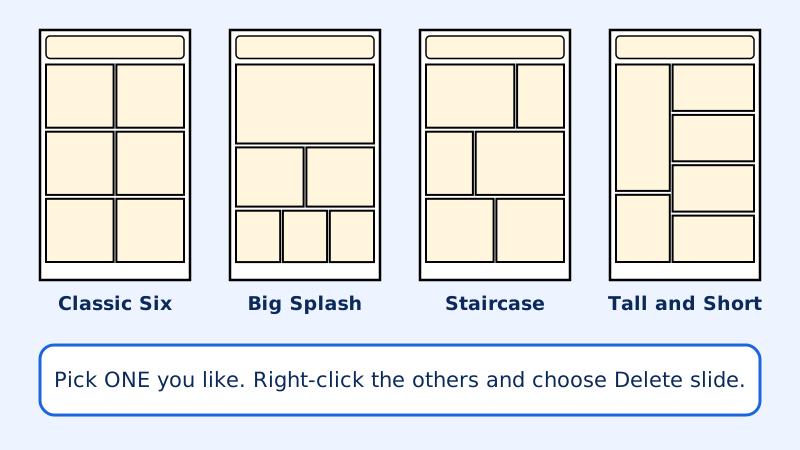
Four page layouts: Classic Six, Big Splash, Staircase, and Tall and Short. Each page has a title box and six panels.
The four layouts in the page templates. Pick one for My page layout, or choose My own layout.

Your work is saved on this computer for now, but it can disappear. When you finish for the day, press Save my work to a file at the bottom of the page.

Say your speech bubble out loud. Does it sound like an owl talking? Then it is just right!

  1. My plan

Grown-ups: how did this activity go? Send us feedback

For teachers

The Page Plan keeps thinking and building as two separate jobs. "Copy my facts here" brings the Fact Finder answers into panels 2 to 6 (it never writes over words a student already typed), and the student shortens each fact into a speech bubble. Panel 1 is a hello from the owl. The soft length warning is about 90 characters, roughly 15 words. The plan is saved only in that browser, so on shared computers have students print before they leave.

Read the full notes for teachers and parents